

VG VORTEX

VG VORTEX / Factory sandbox

Alchemy Factory Save Editor and Inventory Tools

Cosmic Key provides Alchemy Factory controls for supported local saves. Review progression values and work with inventory items from the Windows client.

Alchemy Factory game artwork

Alchemy Factory save editor

See the supported progression fields, inventory test controls and save workflow.

ALCHEMY FACTORY / COSMIC KEY

Alchemy Factory save and inventory controls

Cosmic Key provides Alchemy Factory controls for supported local saves. Review progression values and work with inventory items from the Windows client.

  • Progression: edit unspent lore points, research experience, and skill refunds used in supported saves.
  • Inventory: select an item and quantity to add, or duplicate a stack in inventory.
  • Save workflow: keep a backup and use a separate test world when trying changes on a new game version.

Inventory behavior and compatibility vary by game version and save format. The inventory controls are available for player testing; their in-game effects are not yet confirmed across all saves.

Explore Cosmic Key for Windows →

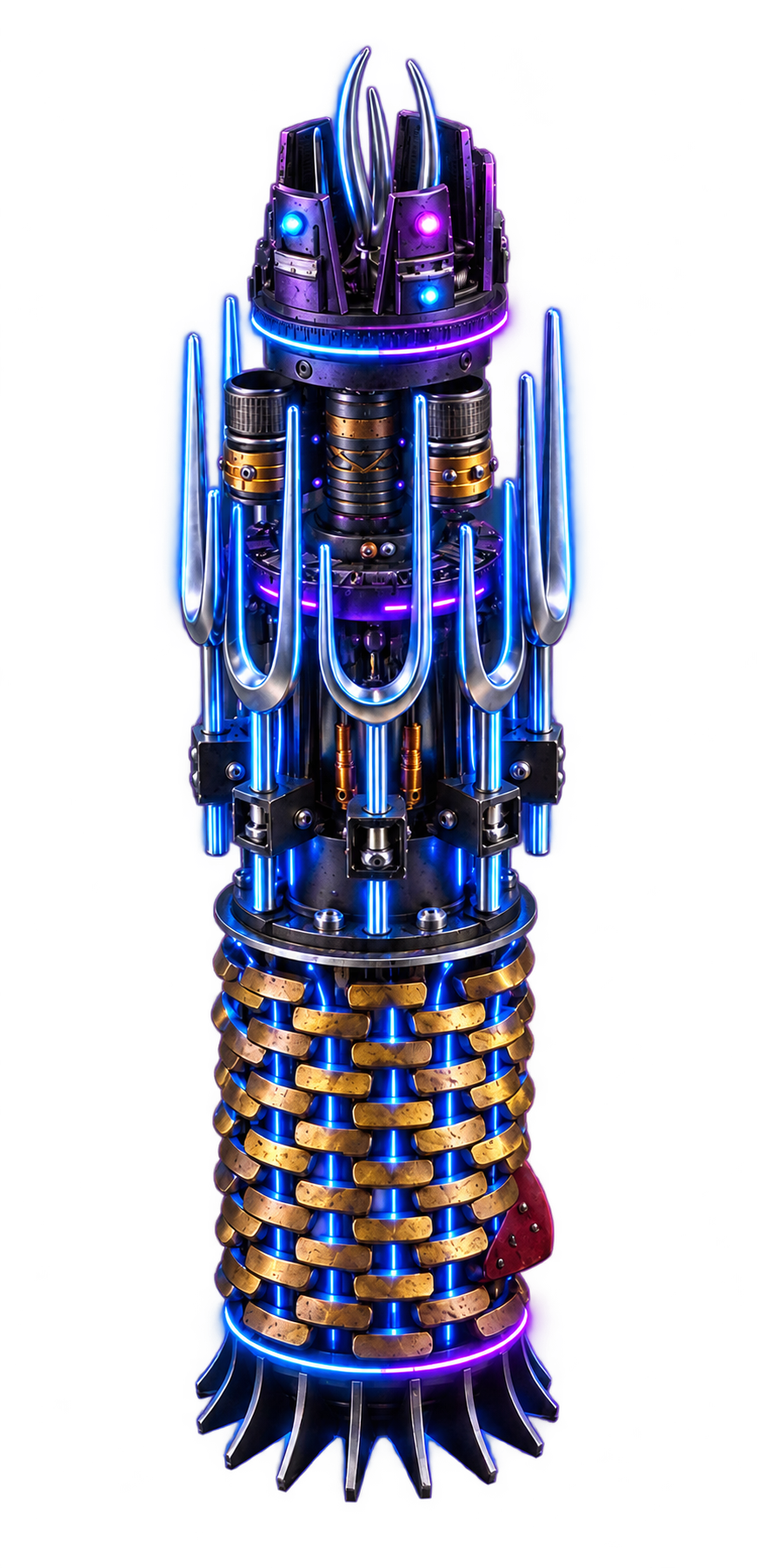
Cosmic Key — illuminated blue and violet key
VG VORTEX / SIGNATURE COLLECTIONDesktop preview

COSMIC
KEY

Unlock your way to play.

For Alchemy Factory, Cosmic Key includes supported save progression fields and inventory actions for local testing.

Game-specific controlsWindows desktop
Discover Cosmic Key Cosmic Key subscription · $9.99/month includes available save editors.
Compatibility and in-game verification vary by control.